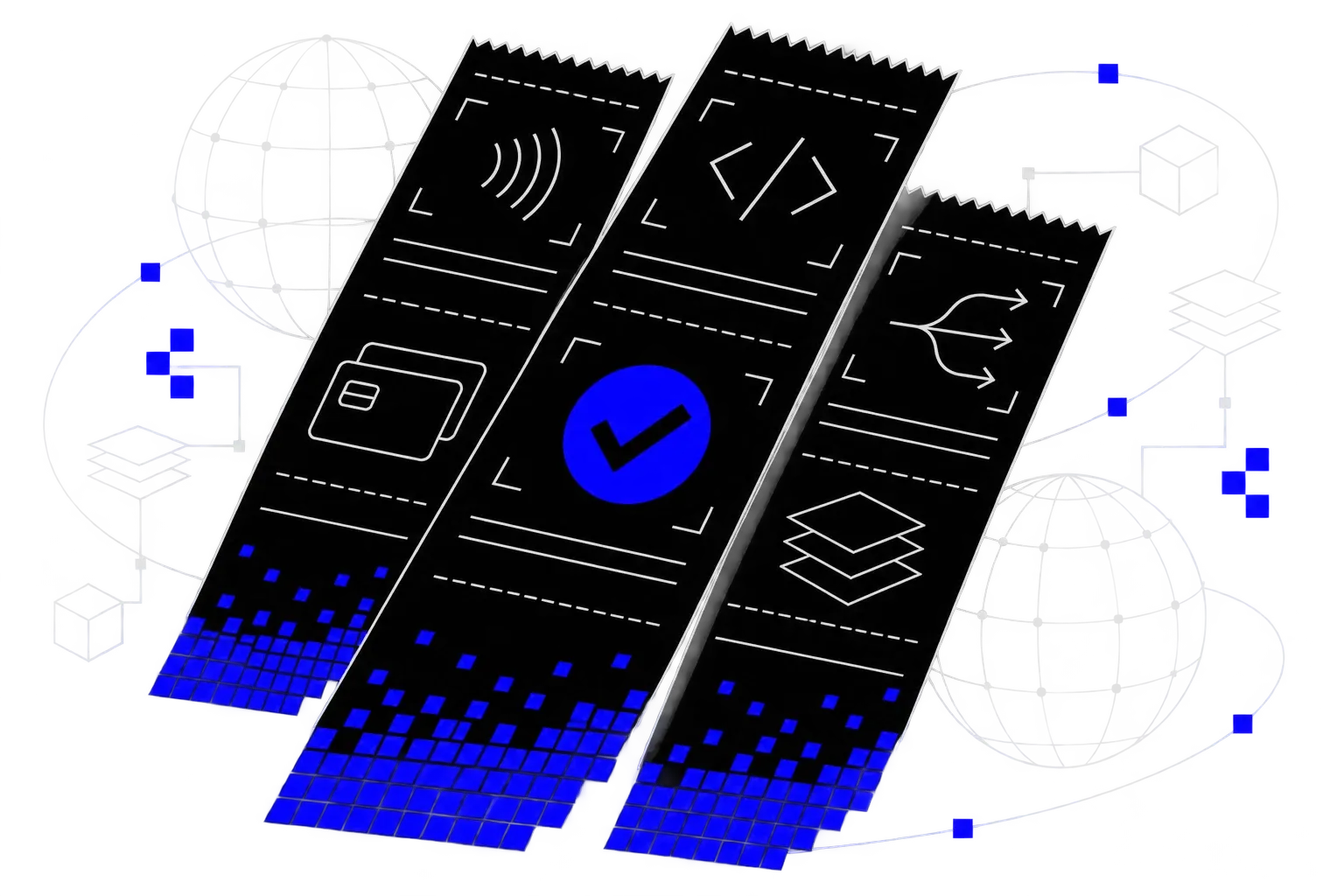
Positions and brackets
The positions view lists open positions and orders. Set or edit take-profit and stop-loss levels, add or remove collateral, and close fully or in part, with the close quoted by the chain first.
Paxeer Xtrades
A browser workspace for perpetual futures on Paxeer X Network: live markets, order entry, positions and charts in one place.
Order entry
Market, limit, stop-limit, stop-market and stop-loss orders, with time-in-force choices, all from the trade screen.
Two paths
Your wallet signs and the chain executes. Prices, books and trades arrive on a separate data path.
Sample flow
Your wallet signs a call to the perps precompile, a built-in contract at a fixed native address.
The LayerX kernel in the node assigns a position in the global sequence and returns a signed receipt.
Validators check and commit the block. The receipt is final once it commits.
A data gateway following the chain serves REST, WebSocket and GraphQL.
After the fill
Edit positions, review your account and chart any listed market without leaving the app.
The positions view lists open positions and orders. Set or edit take-profit and stop-loss levels, add or remove collateral, and close fully or in part, with the close quoted by the chain first.
Collateral is a stablecoin you deposit into the perps contract, and the app can handle the token approval step. The chain reports margin tiers and your initial and maintenance margin.
Overview, positions, orders, assets, history, fee tier, settings and agents. Fee tier is read from the chain, and history comes from the indexed record of your trades and closed positions.
Charts use the TradingView library, with candles from a separate feed. If a market has no candle producer, the chart reports the feed as unavailable instead of showing wrong data.
Walkthrough
Watch a market order go from quote to open position, then set a stop-loss and review it in Portfolio.
Markets page, pick a market.
Trade page, set size multiplier, order panel shows quote and price bound.
Positions view, bracket editor sets take-profit and stop-loss.
Portfolio page, History module.
Self-custody
Orders are executed by the chain, not by an exchange operator.
Behind the screens
Books, trades and stats arrive over one WebSocket, and an optional tool server lets an AI agent trade under a wallet you control.
Sample map